


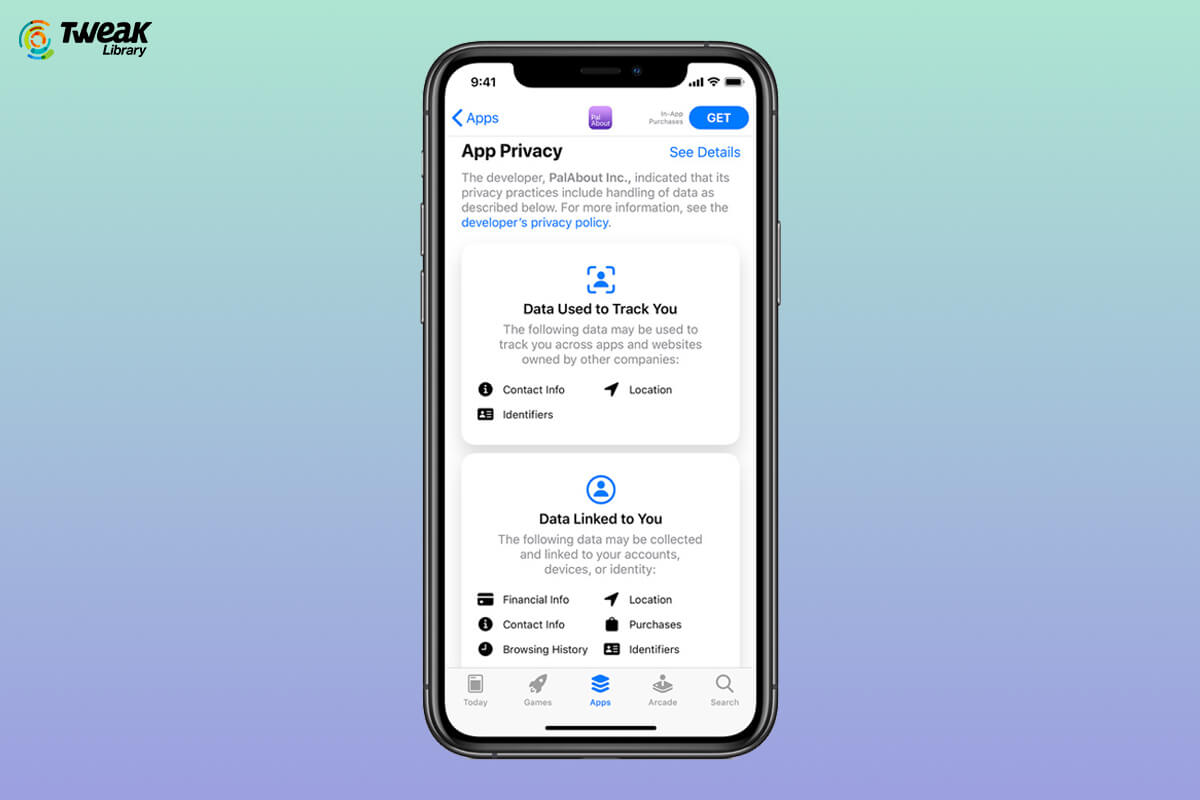
Recently Apple did something really out of the box and something that we all wanted as users – Apple made Transparency mandatory. Apple did it in a ...
We all are well aware of Apple’s strong privacy settings and we cannot disagree with the fact that it does protect user data and privacy at the utmo...
People with iOS devices have their hands on Apple Notes to jot down things that they had to remember. Be it their daily to-dos or key notes to remembe...
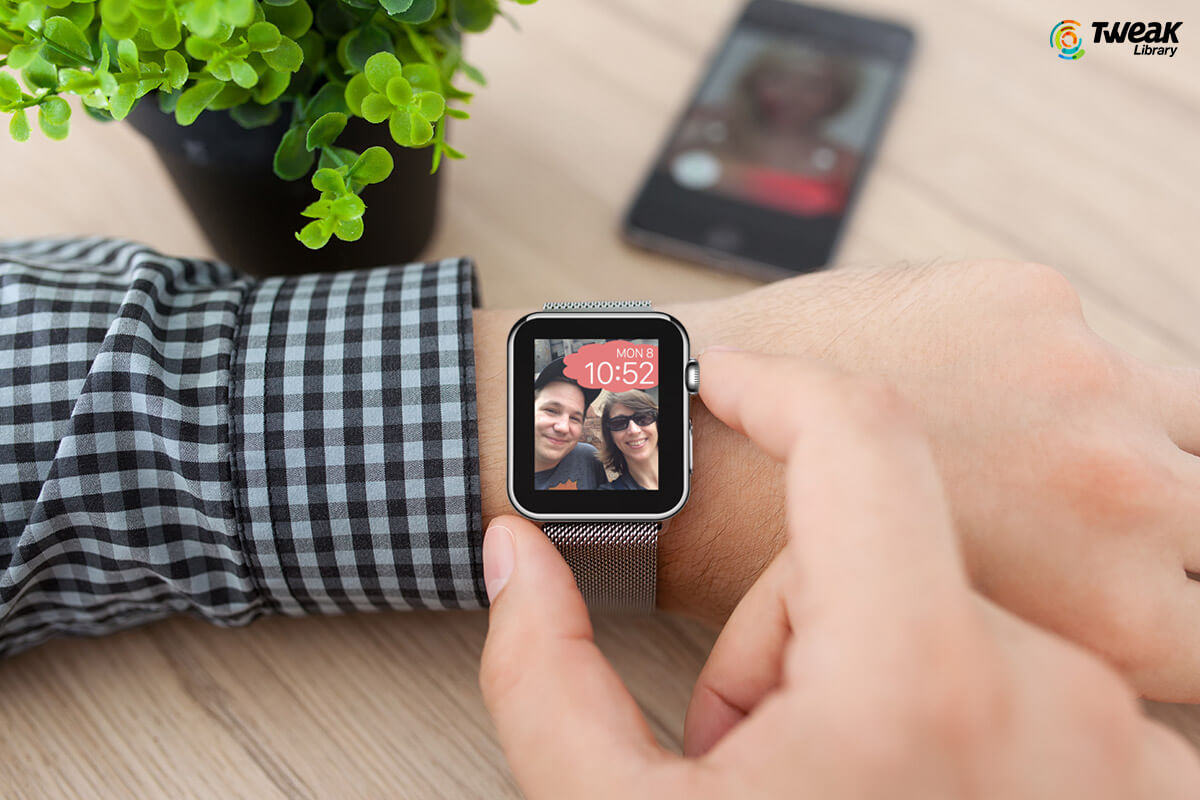
Amazingly popular all over the world, the tech giant Apple isn’t known for providing customization to the users. From Macbook to iPhone & Apple ...
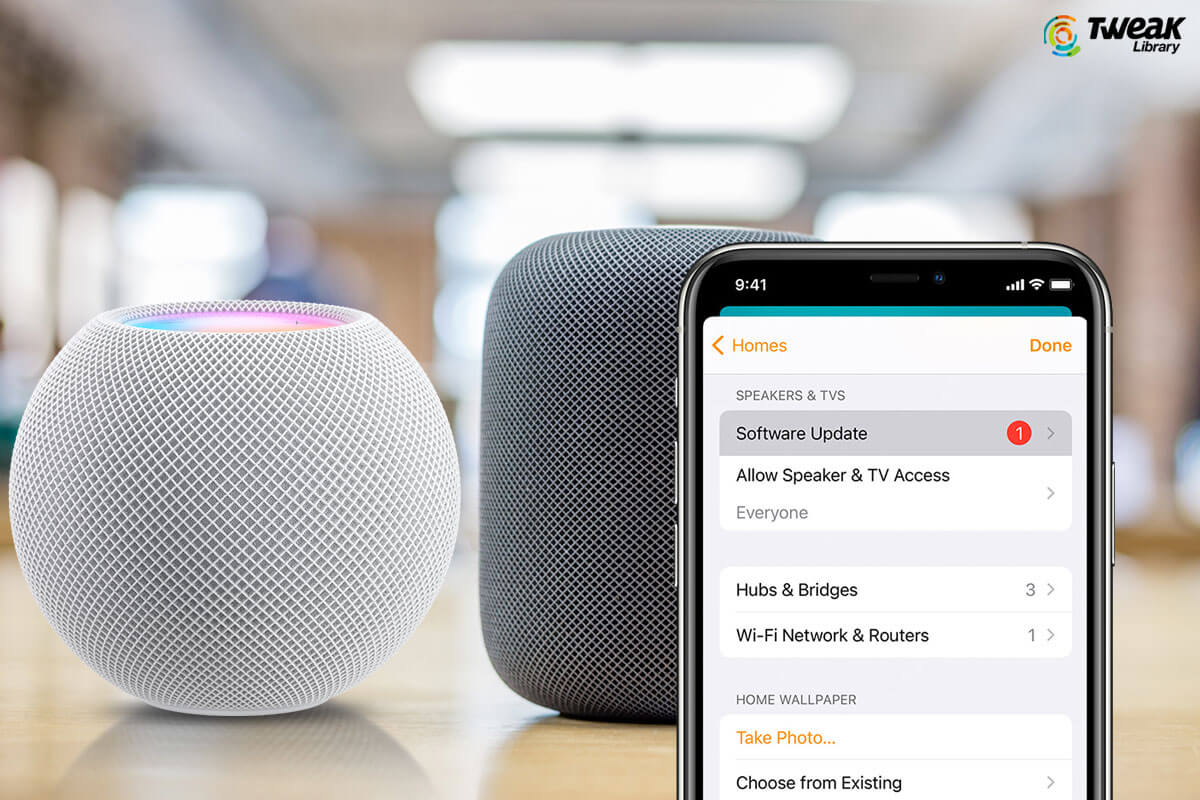
Apple HomePod is a smart speaker that is popular worldwide for its amazing sound and features. Just like other devices, HomePod or HomePod Mini too ne...

News is a vital part of daily routines of all the important people from around the world. Staying updated with the latest trends and news is how most ...
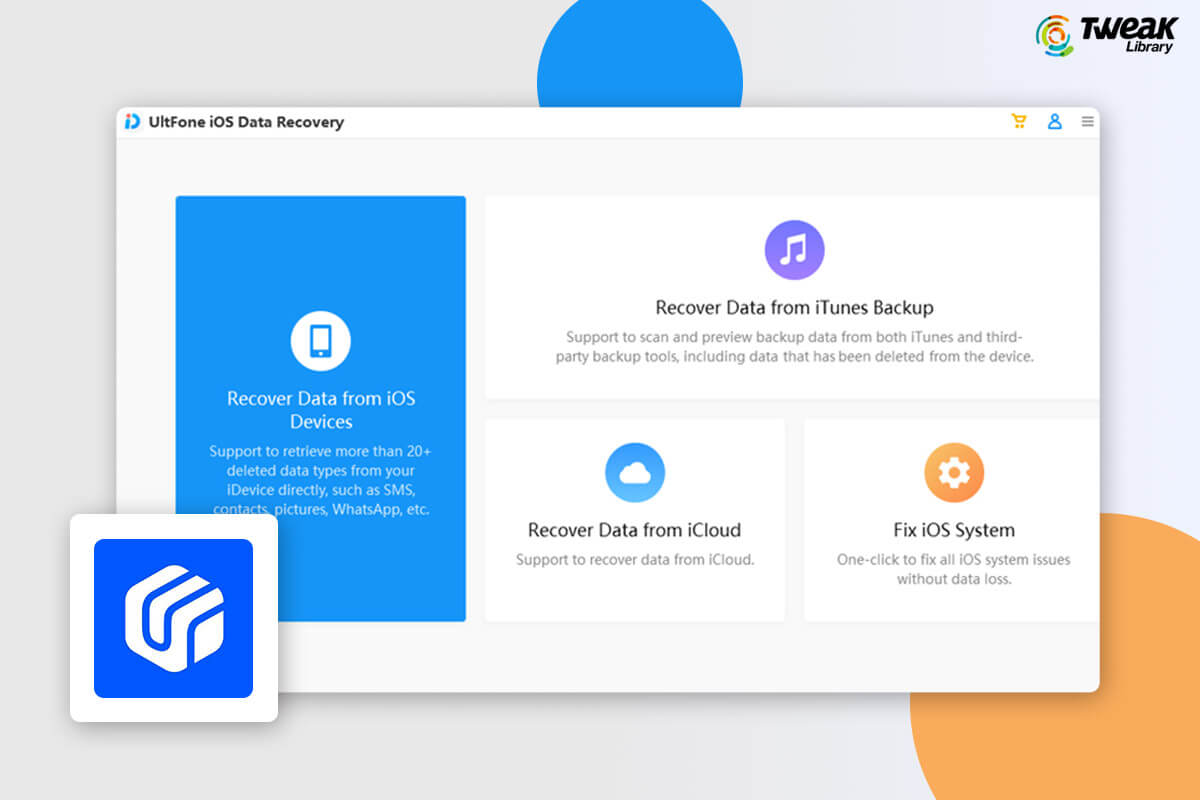
Accidentally deleted files from your iPhone, or can’t find your files after the latest iOS upgrade? Well, fret not, we have an amazing solution to a...
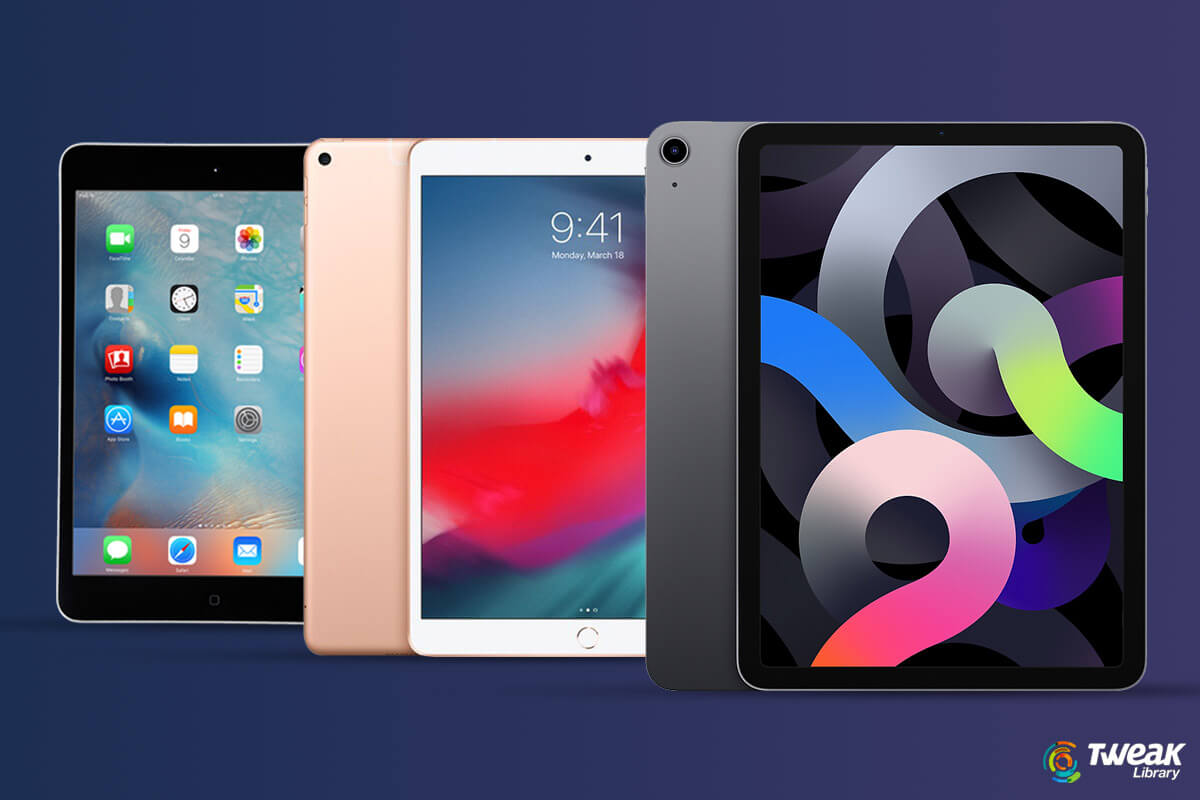
The global demand for Tablet Computers is declining with time. Apple iPads, however, have been unaffected by this adverse trend. Also, iPads are the m...

One of the obsessive discoveries of the decade is the race for taking the best Selfies possible. And let’s not think about the lengths we go to get ...
After so many incidents, it’s established that not every update your mobile gets can make things better. There are some that either come with bugs o...
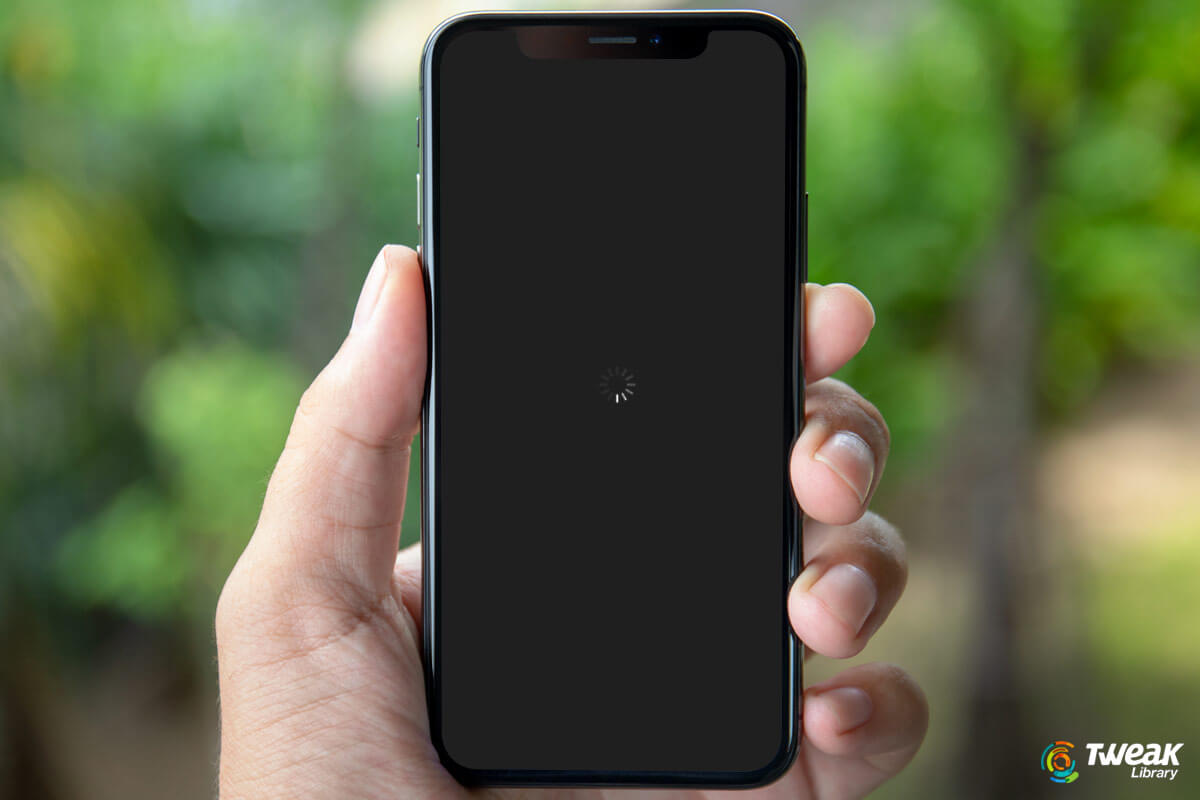
There are several iPhone users (especially iPhone X and 8 users) who are facing a hard time dealing with a black iPhone screen. Completely bewildered ...
Apple always comes up with improvements and amazing features with its every update. Similarly, with iOS 14 Apple has introduced a list of improvements...