


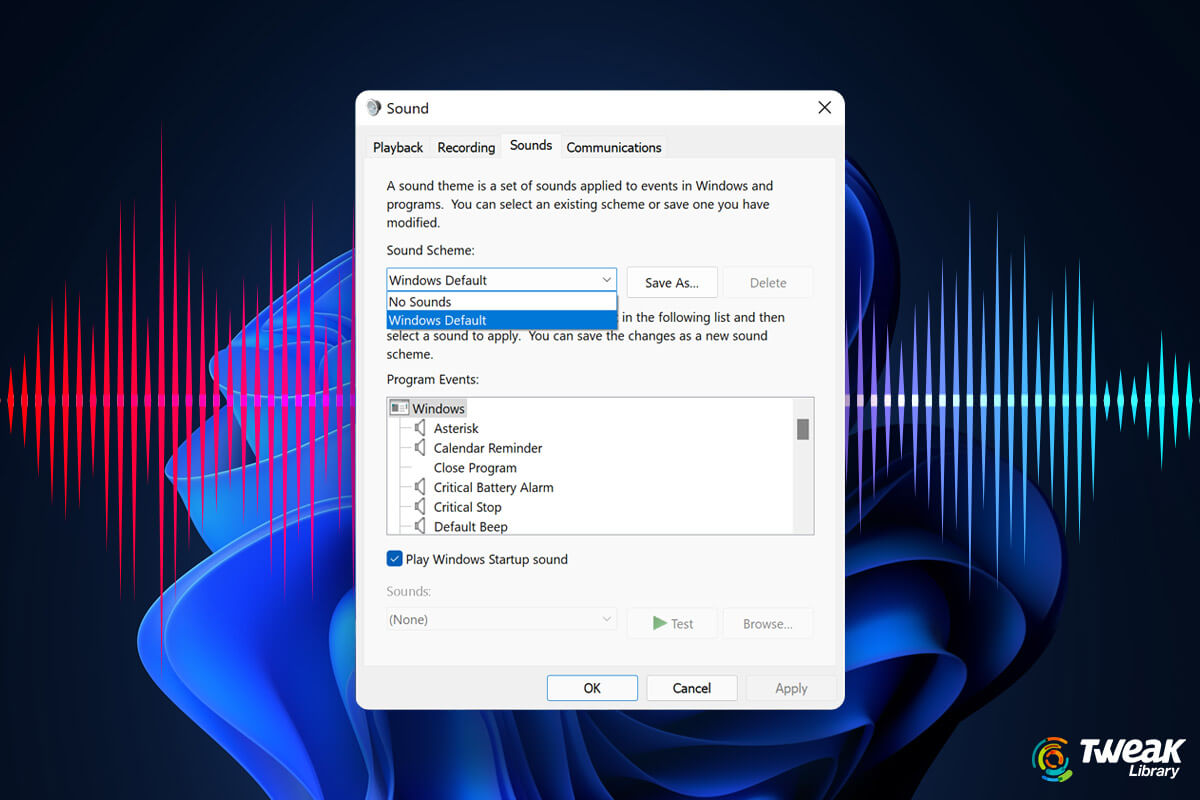
Windows 11 is a major update that has brought new changes in interface and functions as well. One of the amazing things now you can do with sounds in ...
Windows Settings app is such an important part of Windows 11. From gaining grip over devices to personalizing your computer as per your liking to fetc...
You have updated your system from Windows 10 to Windows 11 and even better, you have purchased a brand new laptop just so that you can enjoy the Windo...
Bought a new printer? Looking to connect a printer to your Windows 11 computer? If yes, you are in the right place. In this blog, we will see how we c...
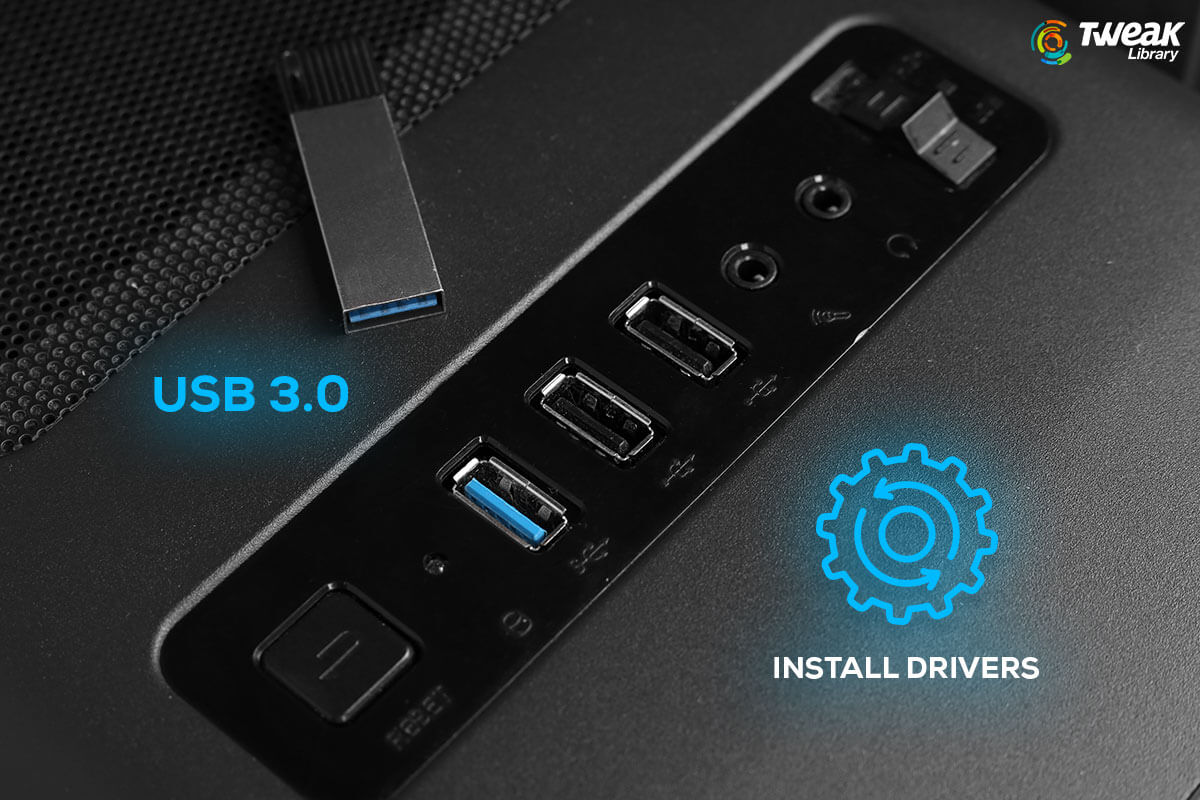
Key Notes: Often, Windows 11 comes with pre-installed USB 3.0 drivers, but any error may occur if they are missing, corrupted, or outdated which ...
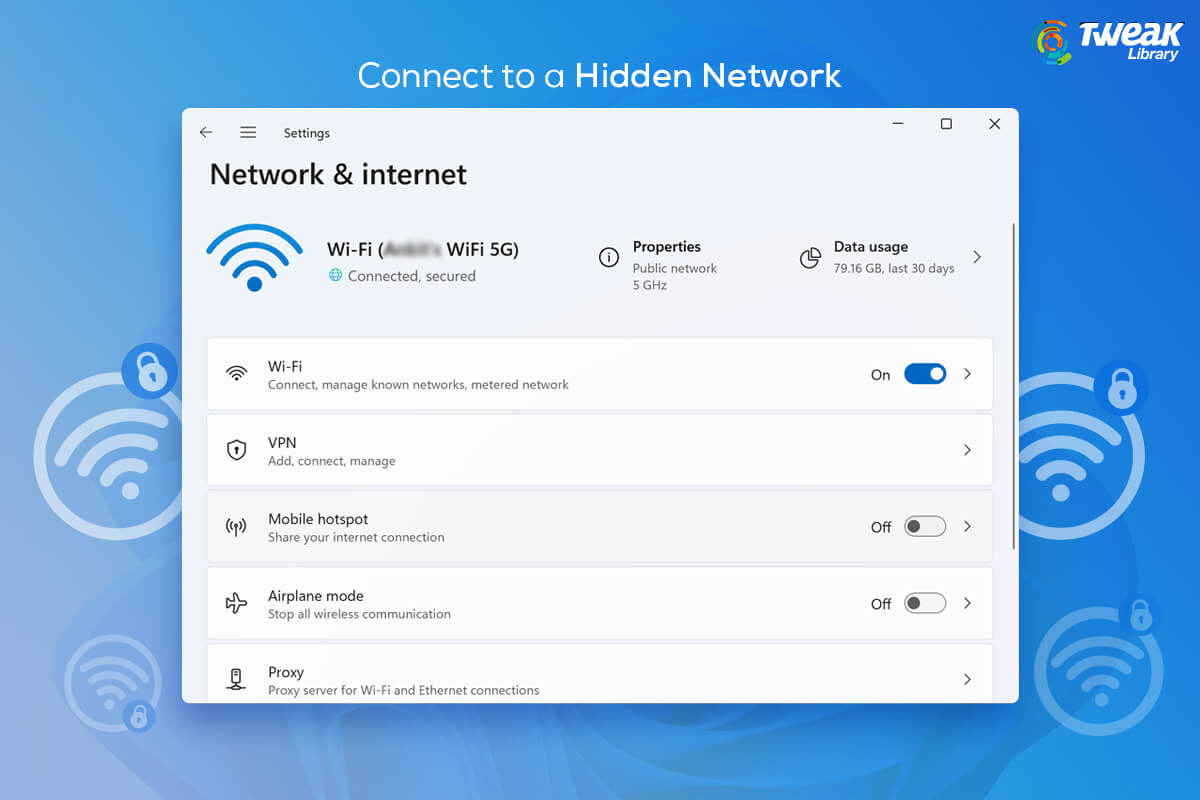
To connect to a hidden network, you need to know their credentials and this adds an extra layer of security to the network. Hidden networks are create...
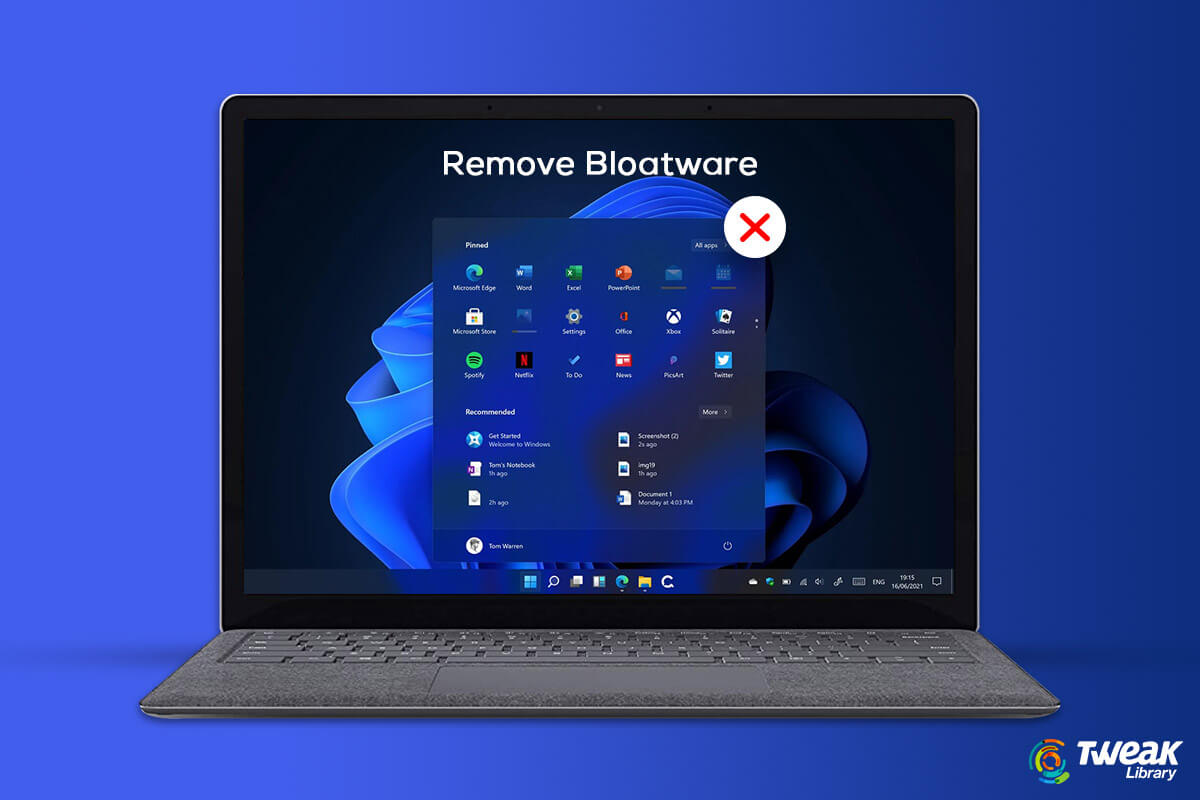
Unnecessary built-in apps might be one of the reasons for the lag in computer performance. Just like Windows 10, Windows 11 also comes with way too ma...
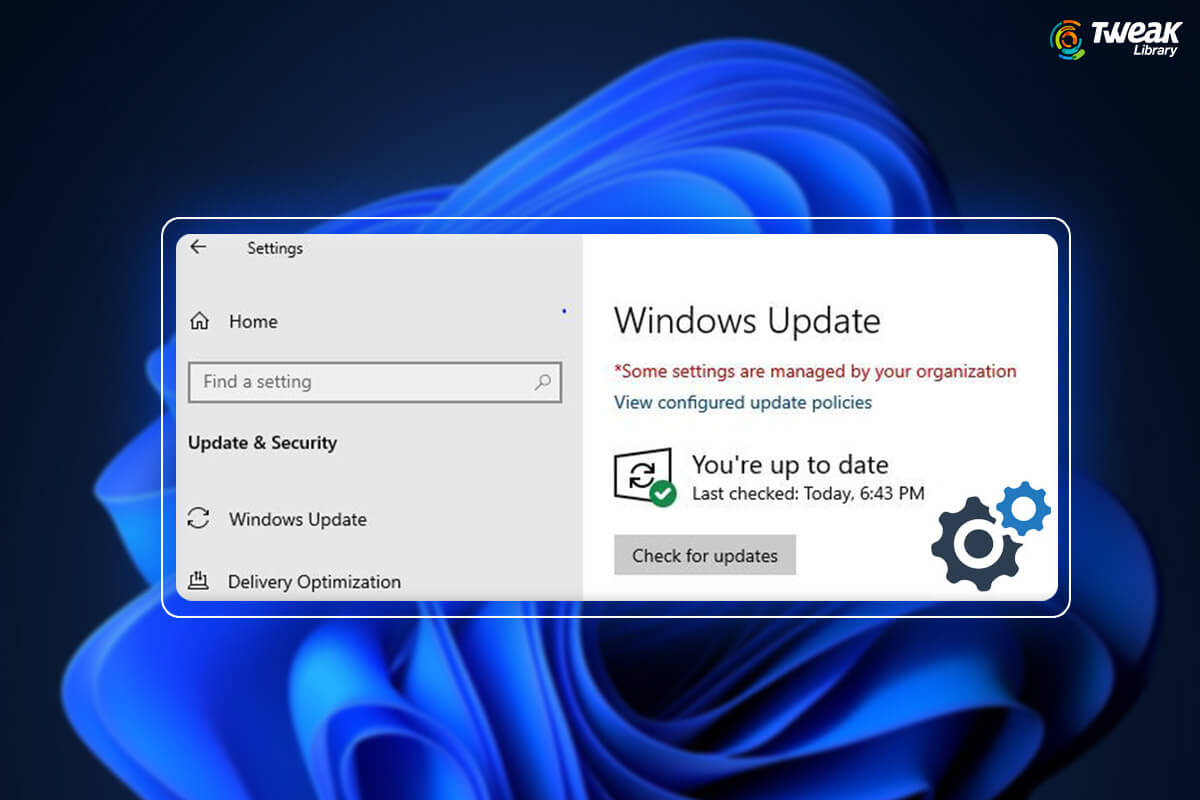
Let’s dive straight into the titled issue - You own your computer and you are the administrator, i.e. in simple terms someone who has the complete f...
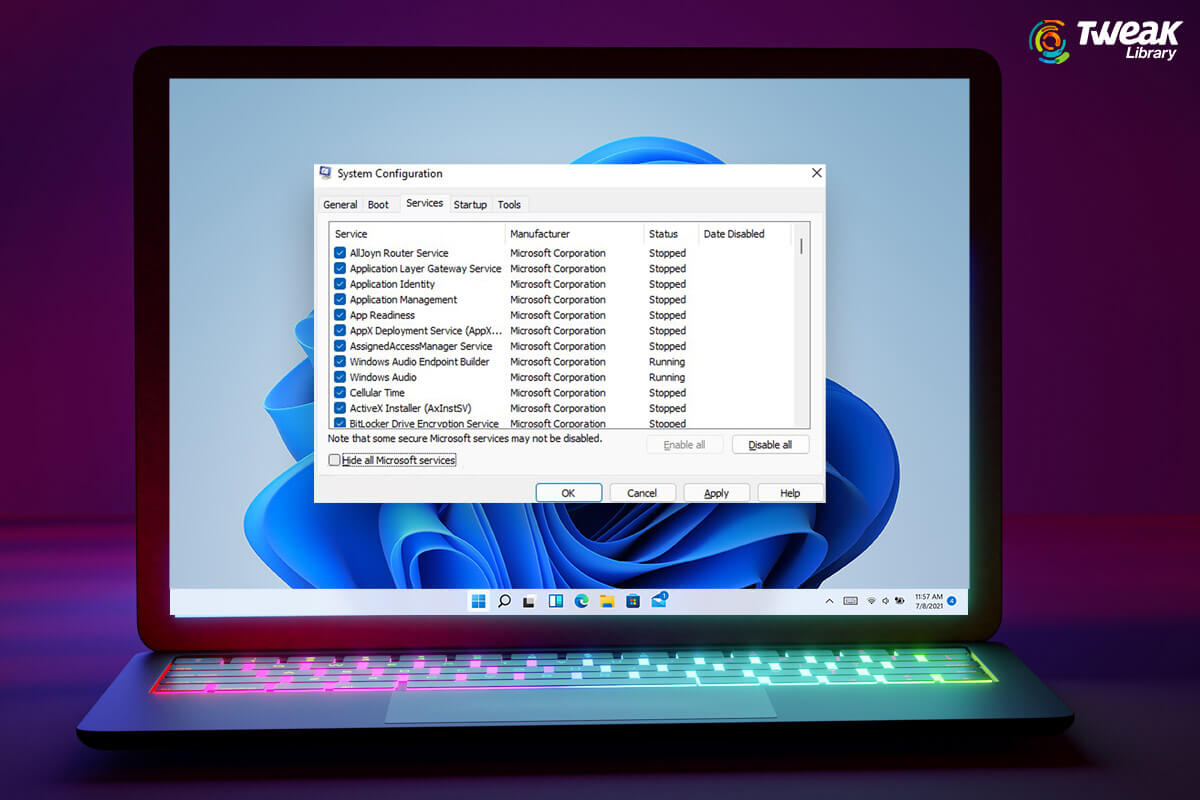
As soon as Windows 11 was launched, users across the world upgraded their computers to Windows 11. In the initial phase, some bugs were removed subseq...
So, you have made that great decision of jumping from Windows 10 to Windows 11. If you are already in the process, do check out the things you should ...
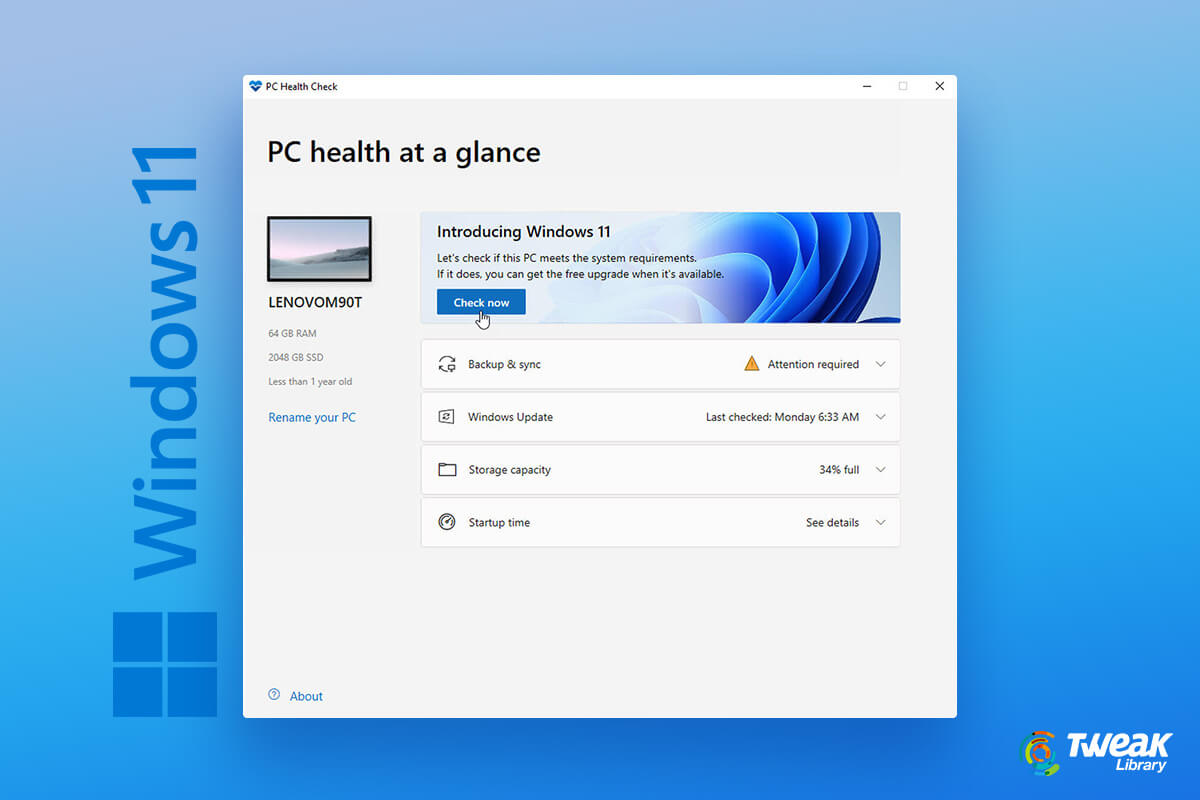
Every new OS has some system requirements to run the OS smoothly. Similarly, Windows 11 has some minimum system requirements to run the new OS but it ...
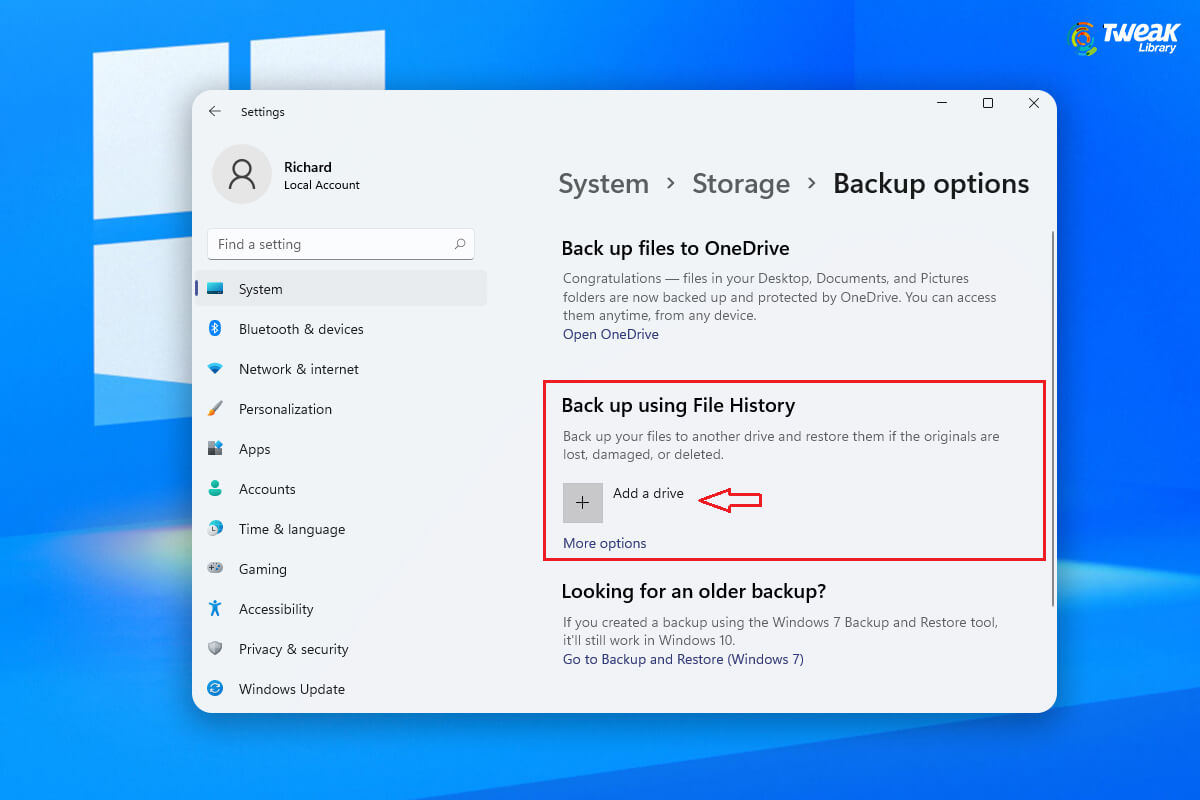
Under normal circumstances when you upgrade to Windows 11, all your files will be transferred automatically. However, in case of incompatible hardware...