



One of the most common & annoying situations your device goes through is having multiple files that serve the same purpose. For example, resume fi...
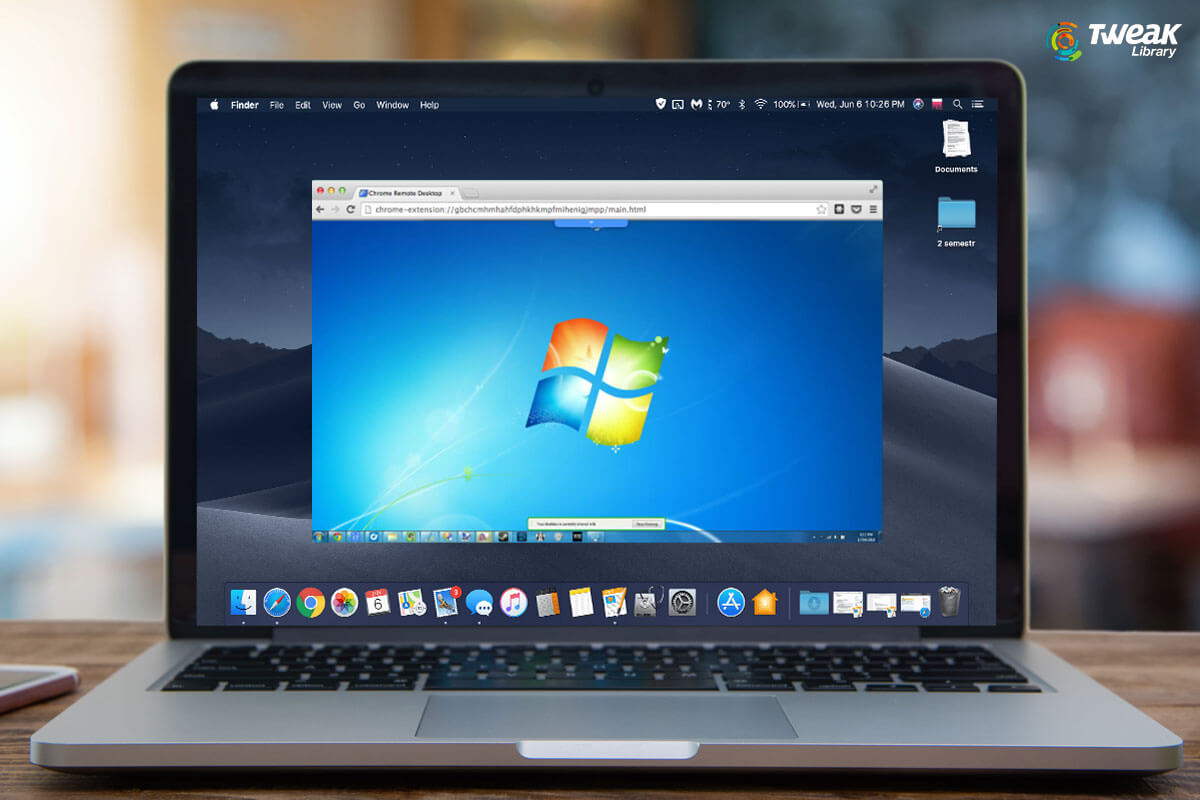
When two of the biggest rivals in the same field come together, you can only imagine what can be accomplished. We are talking about the tech giants, M...
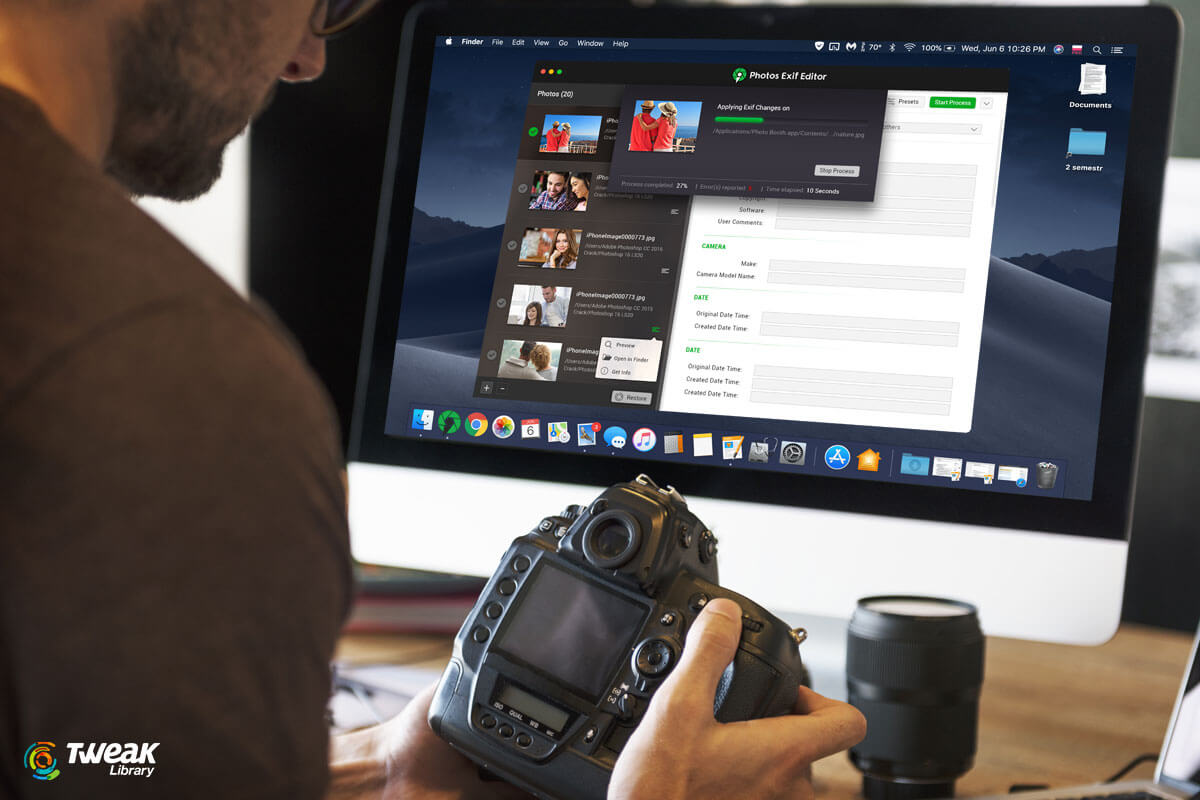
In the sphere where we are surrounded by social media, life on the internet and posting our pictures and short videos all around, the Exif editor is n...

Irrespective of the device or the operating system you are currently using, you always seek to get the best from other OS as well. For example, I have...
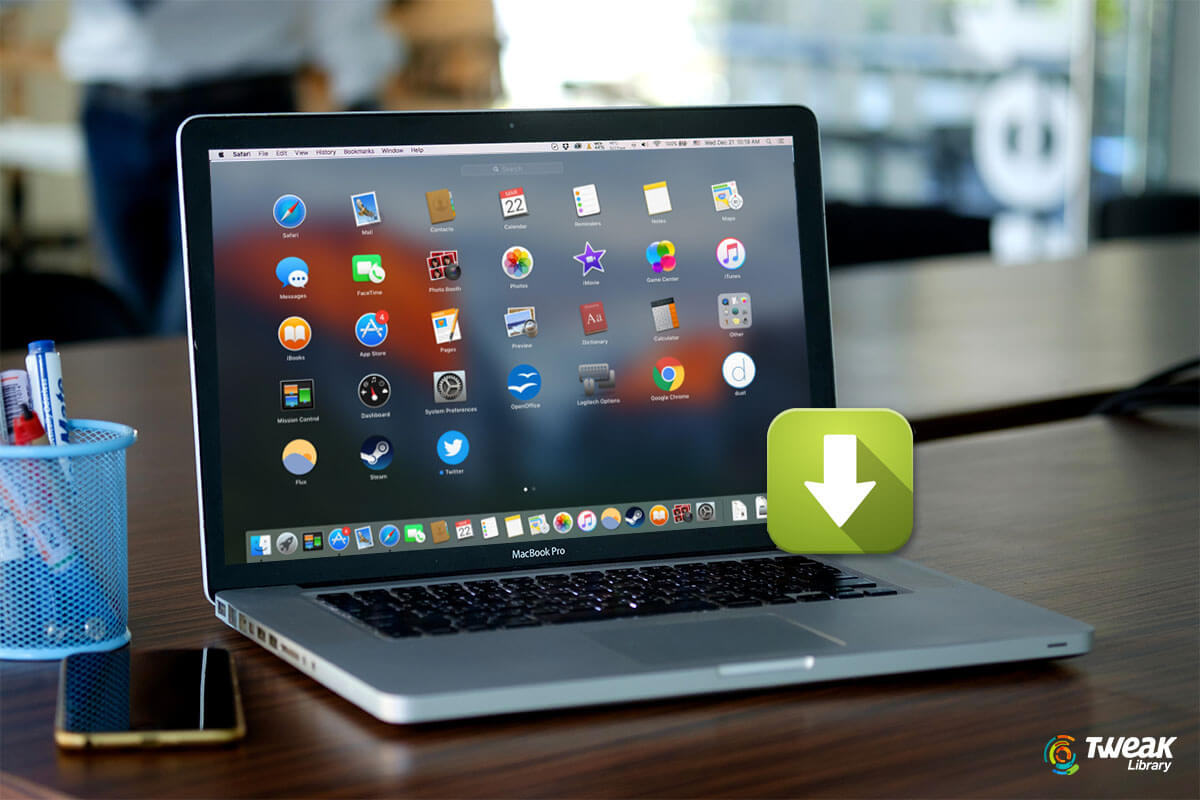
From your cell phone to the advanced MacBook, downloading apps isn't something that needs extraordinary tech knowledge. Everything is easy since you h...
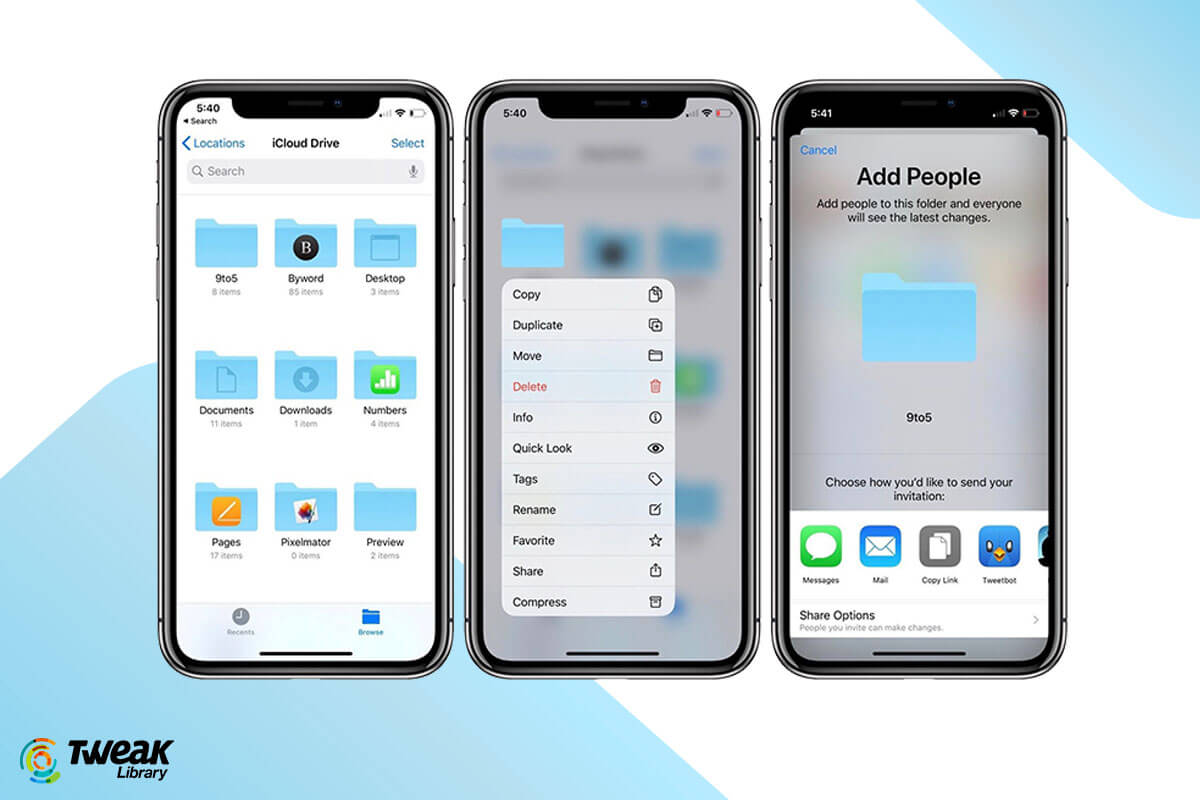
We all have been well aware of the benefits of using Cloud services and the additional security they give to our data. Until now, we were only able to...
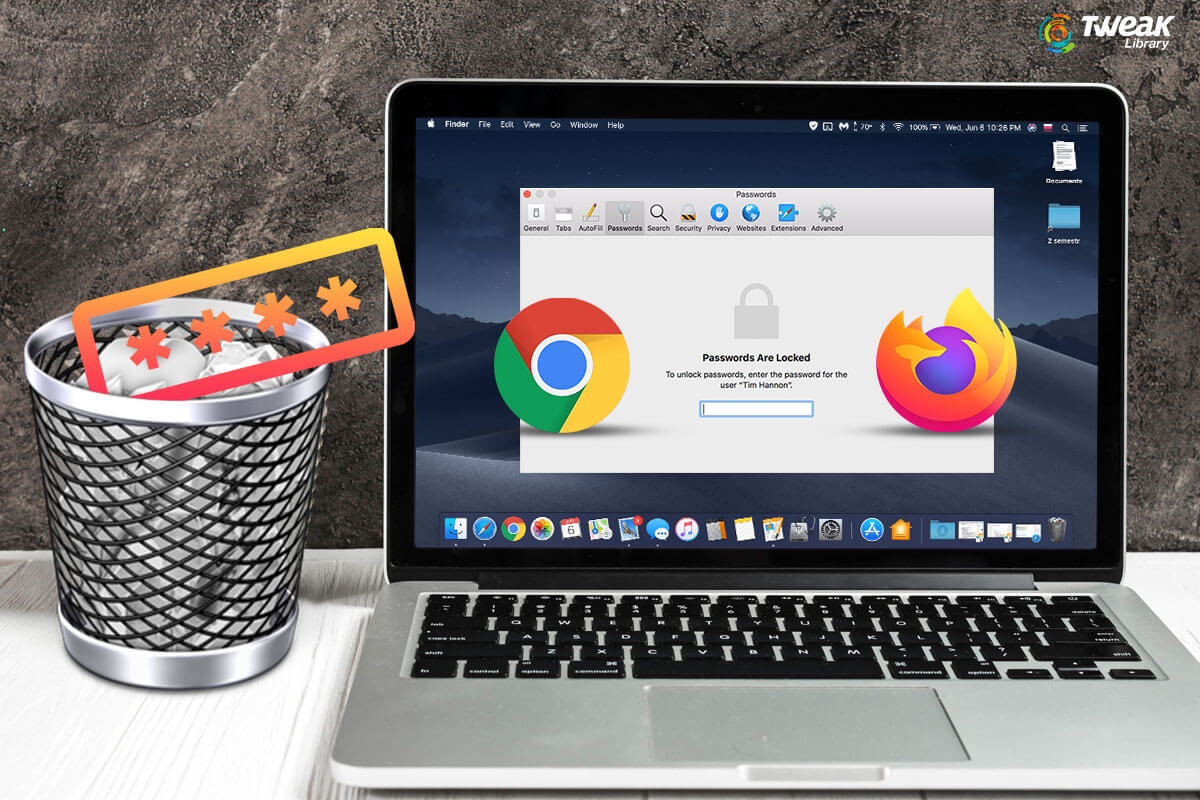
Saving passwords on Chrome/Firefox is one of the common habits every user follows. This helps them to quickly login and manage their passwords. Howeve...
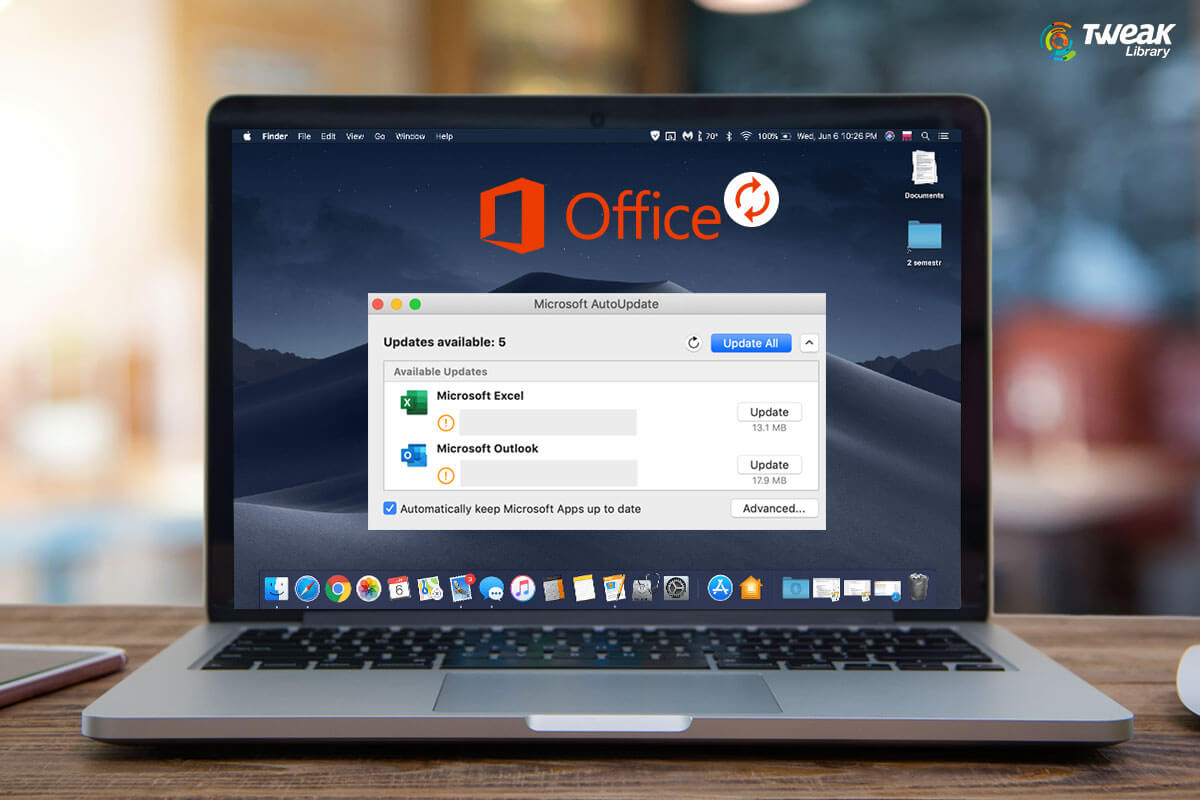
Are you a consistent user of Microsoft Office? If yes, you need to upgrade it from time to time for better performance and features. Microsoft Office ...

Telegram is an instant messaging app designed for multiple platforms to send texts, photos, videos, and files to your friends and family. This tool fo...

Mac has been a very popular and advanced operating system with barely some glitches found. Mac and MacBook always come up with a USP that says it is n...
Safari is the default browser that comes with Mac and this is the reason that Mac users prefer it over all the other browsers. But regardless, users s...
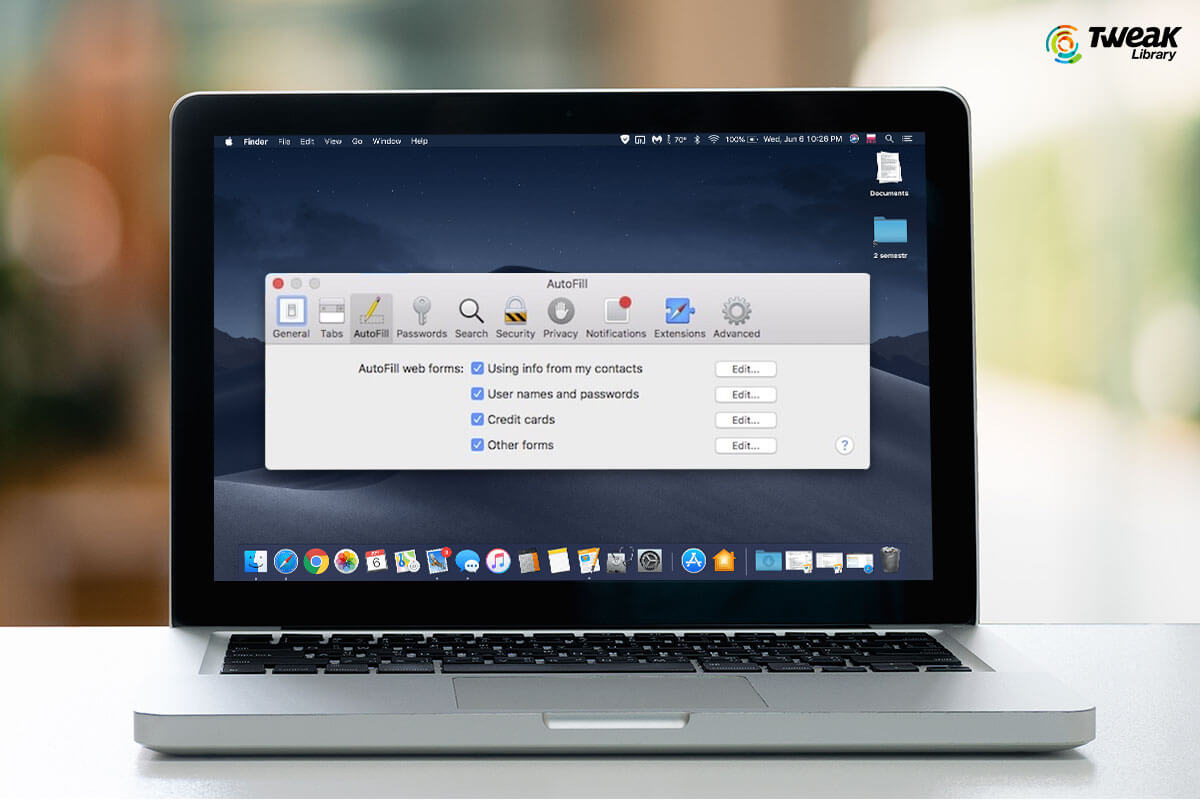
Are you tired of entering information each time you shop from your favorite shopping site? Do you wish to automate this task so that you need not to t...