


Stop Using Photoshop! How to Edit Photos with ChatGPT in Seconds
In this tutorial, you’ll discover ...5 plug-and-play ChatGPT prompts that turn average or damaged photos into professional-grade edits without needing any editing skills. We’ll cover the exact formulas to tell the AI what to change while keeping your natural face and features completely intact.
📋 COPY & PASTE PROMPTS USED IN THIS VIDEO: https://docs.google.com/document/d/1DhGKWYlepTMEhuq6CIAsbGclVYzPfqJDcl5YezAfhtA/edit?usp=sharing
TIMESTAMP
00:00 – Introduction: Why Edit Photos with ChatGPT
00:18 – Prompt 1: Remove Background People/Objects
00:50 – Prompt 2: Change Background & Match Lighting
01:17 – Prompt 3: Fix Lighting & Color Correction
01:47 – Prompt 4: Expand Image Composition (Uncrop)
02:30 – Prompt 5: Change Outfits & Clothing
03:05 – Outro & Prompts in Description
Which prompt are you trying first? Let me know in the comments below! Don't forget to like and subscribe to Tweak Library for more simple AI and tech guides.
#ChatGPT #PhotoEditing #AIPhotoEditor #ChatGPT4 #TechTips #PhotoHacks #AITools
----------------------------------------------------
⬇️ Connect With us:
Facebook: https://www.facebook.com/TweakLibrary/
Instagram: https://instagram.com/tweaklibrary/
WhatsApp Channel: https://www.whatsapp.com/channel/0029Va4J0xoAzNbyD26KB11R
Check out our blog (https://tweaklibrary.com/) for more interesting How-to articles, troubleshooting guides, latest tech reviews & much more.
-------------------------------------------------------
Subscribe to Tweak Library for more interesting tips, tricks, how-to videos & other troubleshooting guides! Stay Tuned!Show More

Stop Using Photoshop! How to Edit Photos with ChatGPT in Seconds

Turn Any Product Photo into a Cinematic Ad with AI (AI Tutorial)

You’re Only Using 10% of ChatGPT (5 Hidden Features)

Stop Using 'End Task' in Windows 11 (Do This Instead) 10 Essential ...
Stop Searching for Music! Make It in Gemini for FREE 🎵 #Shorts

How to Create Multiple Gmail Addresses from ONE Account (Step-by-Step)
Stop Using Paid AI! 5 Mind-Blowing FREE Alternatives You Need

Apple Event 2026: iPhone Duo, iPhone 18 Pro, Apple Watch Series 12 & More
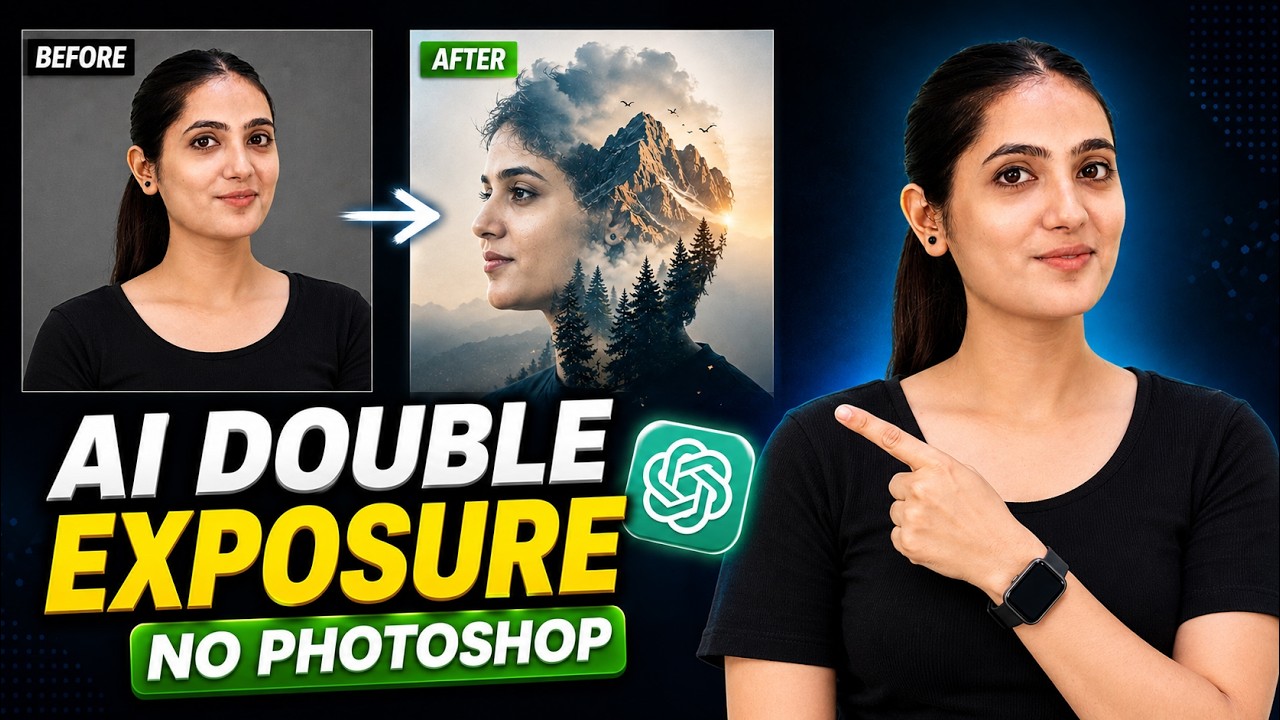
How I Made This Double Exposure Photo in ChatGPT in Seconds!
Create a Professional Logo with AI for FREE! (No Design Skills)
1
of 135