


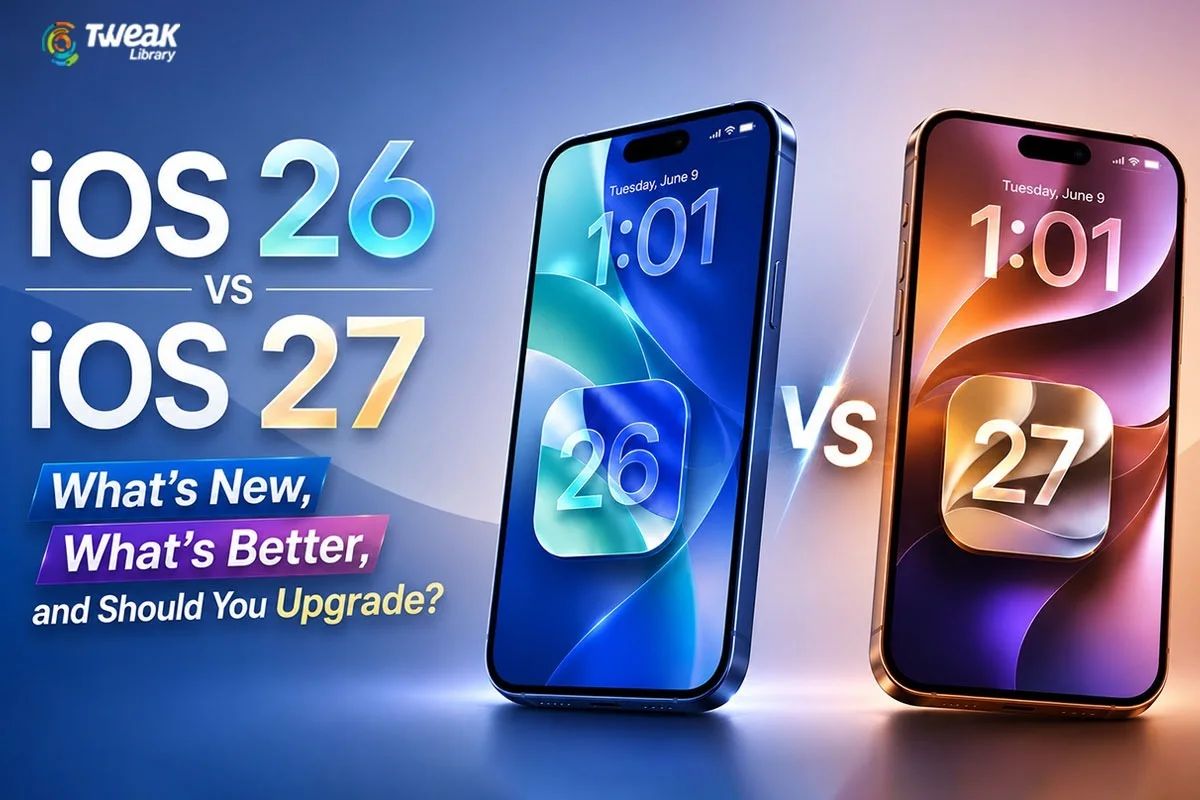
Every year, Apple introduces new updates for iOS in their iPhones, which include numerous changes such as adding new features, improving the user interface, boosting security, and introducing AI-based technologies. Now that iOS 27 has been released, users have started comparing it with the previous version, iOS 26, and deciding if the upgrade is worthwhile.
Whereas iOS 26 included such updates as Liquid Glass Design Language, Live Translation, improved Visual Intelligence, and various communication-oriented changes, iOS 27 offers more emphasis on AI, an improved Siri, better performance, and intelligent day-to-day interactions.
This article will compare iOS 26 and iOS 27 based on their features to see if upgrading to iOS 27 is a worthy option for iPhone users.
iOS 26 vs iOS 27: Quick Comparison
| Feature | iOS 26 | iOS 27 |
| Design | Liquid Glass UI was introduced. | Liquid Glass is refined with customization controls. |
| Siri | Apple Intelligence is enhanced. | Siri AI has been developed to have conversational capabilities. |
| Performance | Responsiveness has been improved. | App launch time is now faster with optimized system. |
| Photos | Enhanced Visual Intelligence, | Editing includes AI capabilities. |
| Messages | Polls, backgrounds, Live Translation | Communincation is now AI-assisted and smarter. |
| Privacy | Strong privacy protections | Enhanced AI privacy |
| Compatibility | Broad iPhone support | iPhone 11 and newer supported |
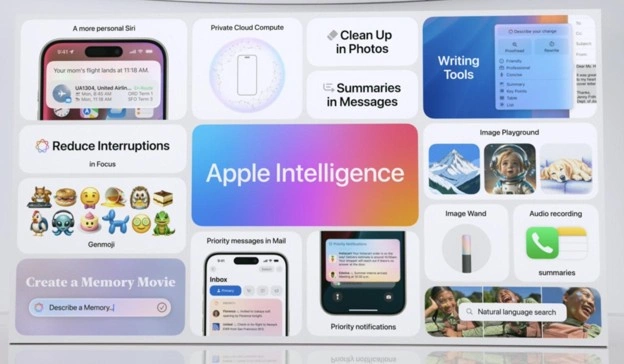
| AI Features | Basic Apple Intelligence rollout | Expanded Apple Intelligence ecosystem |
Design and User Interface
iOS 26
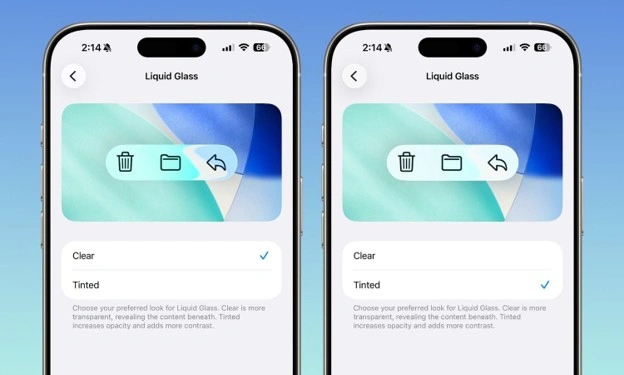
One of the best features introduced by iOS 26 is the Liquid Glass interface. Apple made their icons, widgets, notifications, and other system items translucent and more dynamic. There were floating menus and glass-like effects on the lock screen, which made it much brighter and more customisable. It seemed quite futuristic, but, in reality, it was almost impossible to read any text when using particular wallpapers.
iOS 27
Unlike iOS 26, iOS 27 does not offer the introduction of something entirely new. Instead, iOS 27 offers improvements on the Liquid Glass interface that will allow users to have more control over their screens’ transparency and readability. Apple decided not to give up on Liquid Glass in iOS 27 and let the user control everything about it. There is a new slider in iOS 27 ranging between “Ultra Clear” and “Tinted Glass.” You will be able to adjust the interface if you were unhappy with the low contrast of iOS 26. There is no need to worry about the separate layers of Siri or other searches anymore – they become seamlessly integrated into anything you use.
Siri and Artificial Intelligence
iOS 26
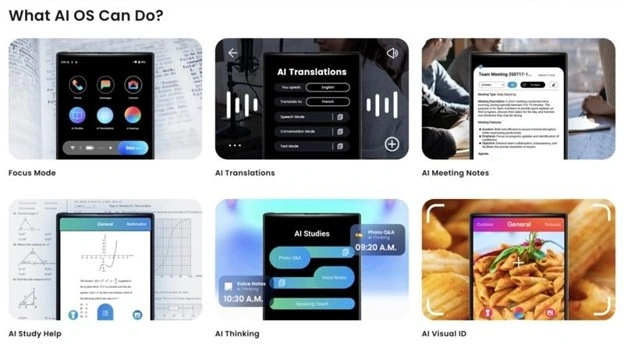
Apple Intelligence was expanded on iOS 26 through the incorporation of features such as Live Translation, Visual Intelligence, and increased capabilities for understanding content. Although Siri did not match the efficiency of dedicated chatbots at the time, it still needed exact wording to execute any command.
iOS 27
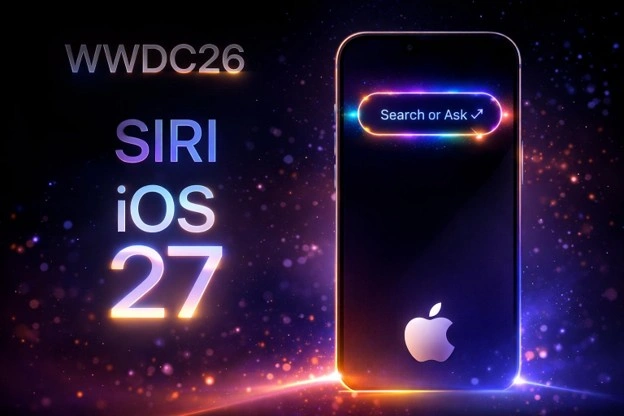
The main highlight of iOS 27 is its Siri AI. The entire platform of Siri is revamped with the implementation of a completely new AI architecture with 20 billion parameters. The AI that powers Siri now makes it much more conversational with improved contextual understanding, multi-task capability, and better application interactions. There is also a Siri AI interface for viewing past conversations.
Performance Improvements
iOS 26
iOS 26 was mainly about aesthetics and user interface upgrades. The OS delivered excellent performance on the supported range of devices. For instance, if your iPhone 13, 14, or even 15 feels slow when running the latest iOS 26 update, there is a good reason for that. The 26.x versions suffered significantly from inefficient RAM usage and background processing.
iOS 27
Speed is definitely the priority for Apple when creating iOS 27. Some sources suggest that apps will launch much faster, AirDrop will be much more efficient, and the photos will load within seconds. In addition, older hardware will also be optimized by Apple. Apple plans to deliver an all-out optimization pass with iOS 27. Early benchmarks of the very first beta version show tremendous performance improvements in comparison with iOS 26.5
Thanks to the optimization work being done, Apple manages to achieve something really amazing: iOS 27 is backward-compatible with each and every device capable of running iOS 26, including iPhones starting with iPhone 11.
Photos and Camera Features
iOS 26
The capabilities of Visual Intelligence were greatly enhanced so that one can recognize objects, search through on-screen information, and execute related tasks through their iPhone display. In iOS 26, the initial capabilities of features such as Image Playground appeared rather restricted and quite “cartoonish.”
iOS 27
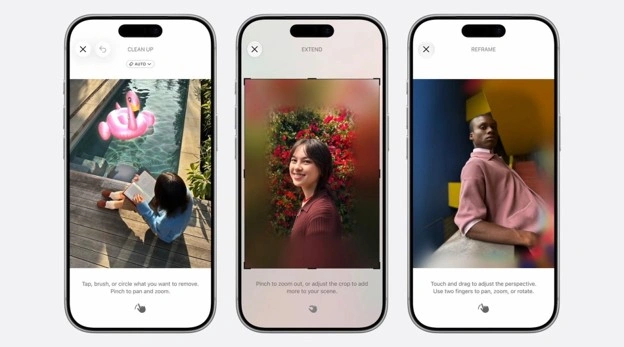
With iOS 27, we see that the Camera application can be turned into an AI lens, allowing one to scan objects, nutrition labels, or simply pull out information. What’s more, there have been enhancements to the Image Playground tool for rendering much more realistic imagery, realistic backgrounds in addition to images, and a “Extend” option that uses AI to generate additional parts of the image frame. Photo editing features now include AI-powered tools such as:
- Spatial Reframe
- Advanced object removal
- AI-assisted image enhancements
- Expanded Image Playground capabilities
Communication Features
iOS 26
The iOS 26 version greatly improved the communication process with additions such as Live Translation in Messages, FaceTime, and telephone calls that allowed for live translation of messages in different languages. Moreover, it enabled users to conduct polls within the messages to make decisions and customize their chat backgrounds.
iOS 27
Whereas iOS 26 has brought about several important innovations for communication purposes, including Live Translation, polls in messages, and background settings in chats, iOS 27 is making communications even better by integrating artificial intelligence in the process. The smarter Siri experience, better message understanding, and increased contextual awareness provide more efficient communications.
Security and Privacy
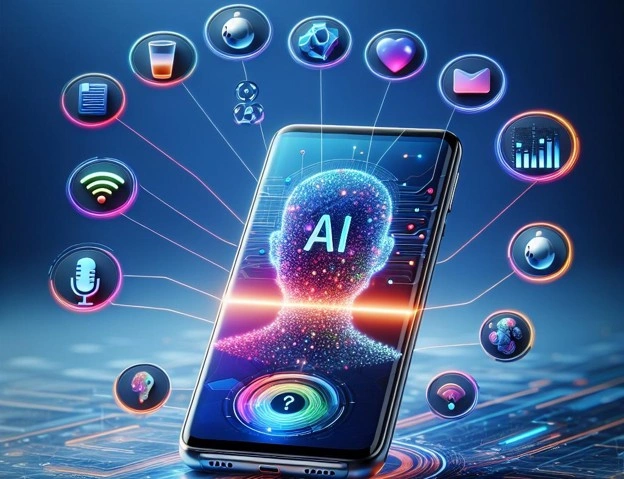
In both the updates, the privacy-first philosophy of Apple is preserved. iOS 27 includes privacy-related AI measures via the Private Cloud Compute structure at Apple, thus making sure that any AI task is performed securely without any risk to the privacy of users.
Should You Upgrade to iOS 27?
Upgrade to iOS 27 if:
- You wish to have the most updated version of Siri AI.
- You make frequent use of Apple Intelligence applications.
- You require enhanced performance along with fast launch of applications.
- You like the ability to use AI in editing photos.
- You have a more recent iPhone that is compatible with advanced AI.
You will not feel much difference if:
- You have a slightly older supported iPhone model.
- You seldom use AI-enabled applications.
- Your current iOS 26 satisfies all your requirements.
Final Verdict:
However, iOS 26 was a game-changer with its debut of Liquid Glass design language, Live Translation, Visual Intelligence and many other innovations. All of these have laid down a groundwork for the development of Apple’s AI strategy. Put simply, iOS 26 has been all about remodeling the whole house in an unconventional way.
Now, iOS 27 has taken things one step further with the introduction of a more advanced AI assistant Siri, improved overall system efficiency and new intelligence features for photos, communication and productivity. While the visual changes may be more of evolutionary rather than revolutionary nature, the intelligence upgrades make iOS 27 a real leap forward compared to the previous version. Put even simpler, iOS 27 is about repairing the foundation, upgrading the appliances and making the house seamlessly livable.
Is it worth making the jump to the developer beta now, or waiting for the public release in September?
Generally speaking, for users having devices compatible with iOS 27, the upgrade is well worth it. However, our advice is: Although iOS 27 Developer Beta is already available, it’s still too early to try it. Thus, we strongly advise to wait until September 2026 and use iOS 27 released together with new iPhones. If you prefer playing it safe, wait until iOS 27.1 fixes all bugs of the iOS 27 are fixed.


Leave a Reply