


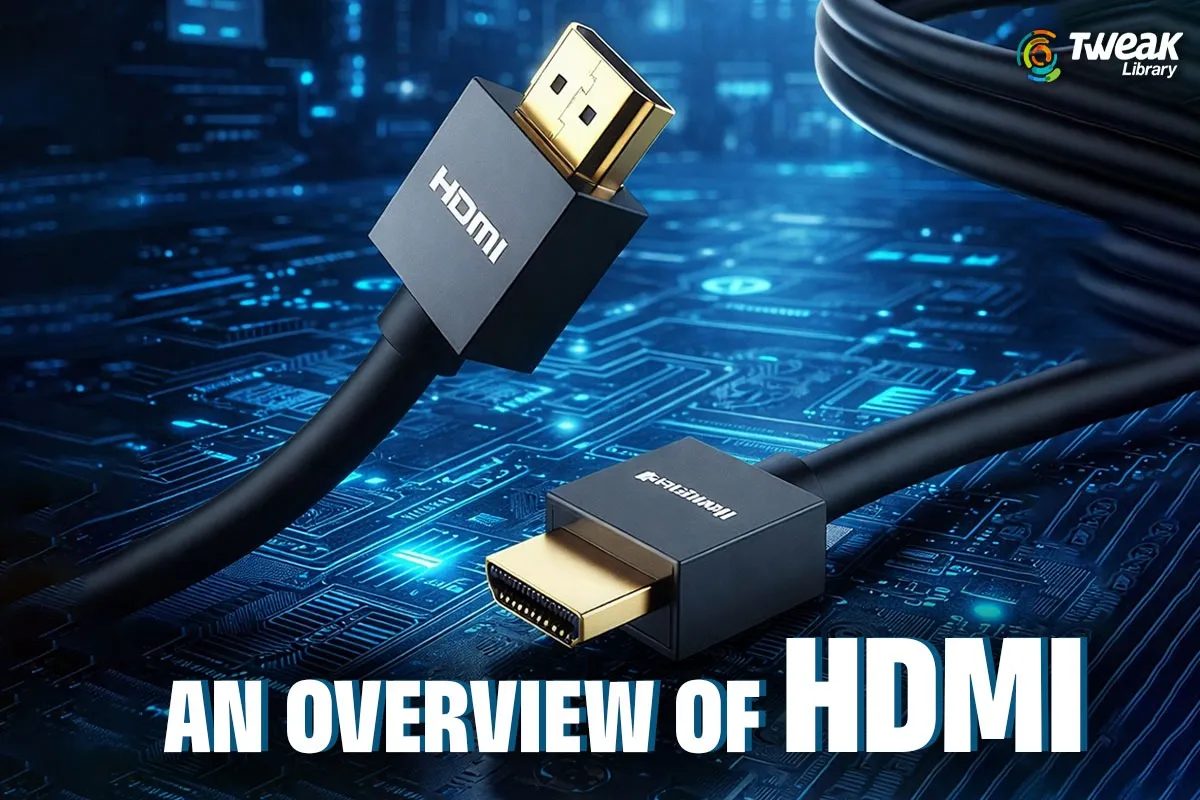
HDMI technology has quietly become one of the very necessary components of our daily living in the digital age. From watching a movie on a TV to showing the screen of a laptop in an office environment, HDMI technology has made everything possible in a very smooth and efficient manner. However, there seem to be some elementary questions in the minds of many people, like what the use of HDMI technology is, how the HDMI port of a computer system is used, and how HDMI technology amazingly stops functioning.
The following article provides information on HDMI, how HDMI works, also known as the HDMI port, types of HDMI cables, and dispels some misconceptions about HDMI input and output cables. We would try to dispel some misconceptions about HDMI and reveal how upgrading the drivers of your computer is important for its smooth running in relation to HDMI.
Overview About HDMI: What Is HDMI?
The abbreviation ‘HDMI’ is composed of the words ‘High Definition Multimedia Interface’. Today, this technology is very famous for use as an interface to transfer video and sound signals through a cable. This technology was a better alternative to the last technology it had used, which combined an audio cable, for example, a VGA cable, and a video cable, such as a DVI cable.
It supports the following:
- High-definition video
- Ultra High-Definition video
- Digital Audio – Stereo and Surround Sound
- Higher data transfer rate
This is because very little signal is lost. This is why HDMI has nowadays become a general norm in the connectivity of modern devices.
What Does HDMI Do?
Novice users typically wonder what the main function of HDMI really is.
To carry the digital video and audio signals from the source (for instance, a computer, external hard drive, etc.) to the terminal (like a TV, projector) is the primary function of HDMI.
- A laptop sends video and sound to a TV
- A PC connects to an external monitor
- A gaming console displays gameplay on a large screen
- A projector receives video for presentations
HDMI also helps by offering the best possible viewing and listening experiences through its features of clarity, synchronization, and high quality. Unlike older analog connections that had fluctuating picture and sound quality, HDMI is a digital connection that maintains the same quality as the original for both picture and sound.
How HDMI Works: A Simple Explanation
No one has to be very technical in order to get the main idea of HDMI.
When you use an HDMI cable for the connection:
- The digital audio-video signal is sent from the source device which could be a PC, gaming console, etc.
- This information is transmitted through the HDMI cord, often uncompressed or lightly compressed.
- The decoder in the receiving device, which may be a television, monitor, or projector, then processes the signal.
- What this decoded information will actually appear like: The video and audio being played on your screen.
The HDMI technology also supports other functions that include:
- Automatic Resolution Adjustment
- Synchronization of audio files
- Using a remote control for controlling various devices (HDMI CEC functions)
The fact that perfect communication is the reason for HDMI’s great reliability.
What Is an HDMI Port and What Is It Used For?
You connect an HDMI cable to the HDMI port. Besides your TV, HDMI ports can usually be found in:
- Computers and laptops
- Televisions
- Monitors
- Video game consoles
- Projectors
- Streaming devices
The HDMI port acts as a door that opens and shuts for the devices to share audio-video signals. It is very easy to identify the port since the manufacturer typically labels it with “HDMI” and also numbers the ports like HDMI 1, HDMI 2, etc., in case of multi-port TVs.
What Is the Function of an HDMI Port in a PC?
The HDMI port on the computer will enable the following possibilities:
- Connect it to an external monitor or television.
- Zoom or enlarge the screen of your Mac
- Videos with audio on larger screens.
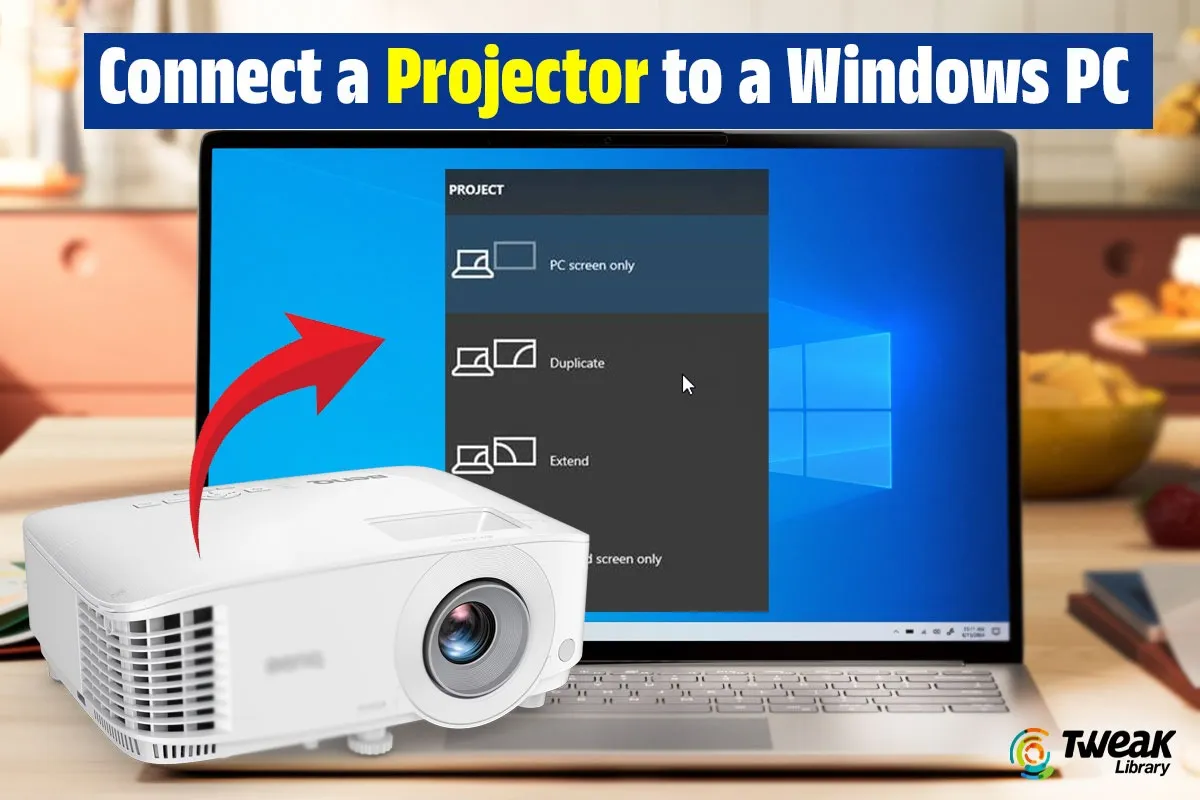
- Opt for a projector to convey your ideas during meetings.
- The primary advantage of a larger screen will be felt in the areas of gaming and watching movies.
Through the use of an HDMI connector, the computer can be either a multi-monitor setup or an entertainment station suitable for professional, student, and gaming activities.
HDMI Input and Output Cable: Is There Any Difference?
People occasionally get perplexed and look for HDMI input and output cables.
The simplest fact is:
- HDMI cables allow communication in both directions
- The device decides which side is input or output, not the cable
To make it clearer:
- Usually, a laptop gives an HDMI output
- In contrast, a TV or Monitor possesses an HDMI input.
An HDMI cable thus allows the source device to transfer its signal to the display device. It is not required to have different cables for HDMI input and output; it is enough to have compatible ports.
Types of HDMI Cable You Should Know About
Different HDMI types are present to cover the different resolutions and particular needs.
- Standard HDMI Cable
The cable works in conjunction with 720p and 1080i formats. Mostly it is not in use today.
- High-Speed HDMI Cable
On top of supporting 1080p, 4K, and even 3D and deep color, it is the basic cable for most TVs and monitors.
- Premium High-Speed HDMI Cable
The cable is made for 4K stable performance with enhanced shielding and dependability.
- Ultra High-Speed HDMI Cable
The cable is designed for 8K resolutions, high refresh rates and HDMI 2.1 features.
The performance and the display on the screen will often be affected if using an incorrect HDMI cable.
Common HDMI Problems and Their Causes
Though HDMI connections are fairly reliable, they can sometimes drop out. Common issues include:
- No signal on the external display
- No sound through HDMI
- Flickering or distorted screen
- External monitor not detected
Outdated or lacking drivers, wrong display settings, and incompatible cables are the major causes of such problems.
Why You Should Update External Display Driver?
If the HDMI fails, a fix that worked relatively well in the past was to upgrade the external display driver software.
Display Drivers Enable Communication Between Operating Systems with:
- Graphics Hardware
- HDMI Ports
- External monitors and TV
Outdated drivers may result in problems with the functionality of the HDMI ports, sound production, or the ability to detect an external display altogether.
How to Download HDMI Driver the Right Way
Many users look for ways to download an HDMI driver, but HDMI does not have a separate driver of its own.
These are the requirements for the HDMI:
- Graphics drivers
- Audio drivers
Nevertheless, you would be able to download them from the company’s website, but this will be a rather time-consuming task, especially if you don’t even know what you are working with.
Fix HDMI Issues Easily with Advanced Driver Updater
It is where the Advanced Driver Updater tool becomes very useful.

Advanced Driver Updater is designed to:
- Automatically search for outdated graphics or sound drivers
- Download the correct version of the drivers
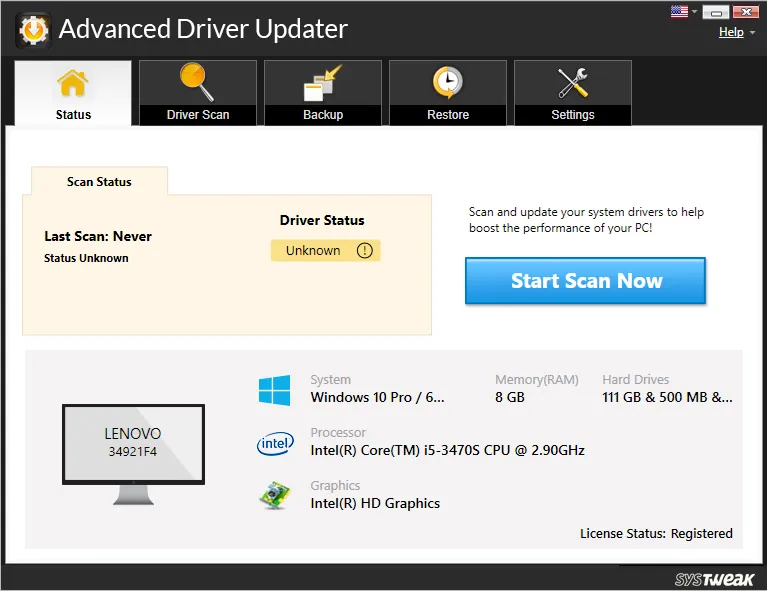
- Ensure compatibility with external displays
- Reduce HDMI-related errors caused by driver conflicts
In a case where the search and downloading of the drivers manually pose a challenge. The process of searching and updating the needed drivers, including the HDMI driver, will be facilitated by the use of Advanced Driver Updater. This will help in creating a steady connectivity link between the computer and the external monitor.
For those people who usually hook their computers to monitors, it is essential for them to keep their drivers updated. For this purpose, they need to select a good driver updater.
Final Words
With the relevance created by HDMI technology amongst computers, it is no longer an option for any computer system to exist without such an attachment. This article has given a clear insight into the functions carried out by HDMI, the concept of the HDMI port, HDMI cables, and HDMI input and output cables.
In the case of any HDMI issues, updating drivers, especially using utility software such as Advanced Driver Updater, will resolve those issues quite easily and instantaneously without replacing hardware.
From work to gaming to streaming, you enjoy seamless execution with HDMI and updated drivers.



Leave a Reply